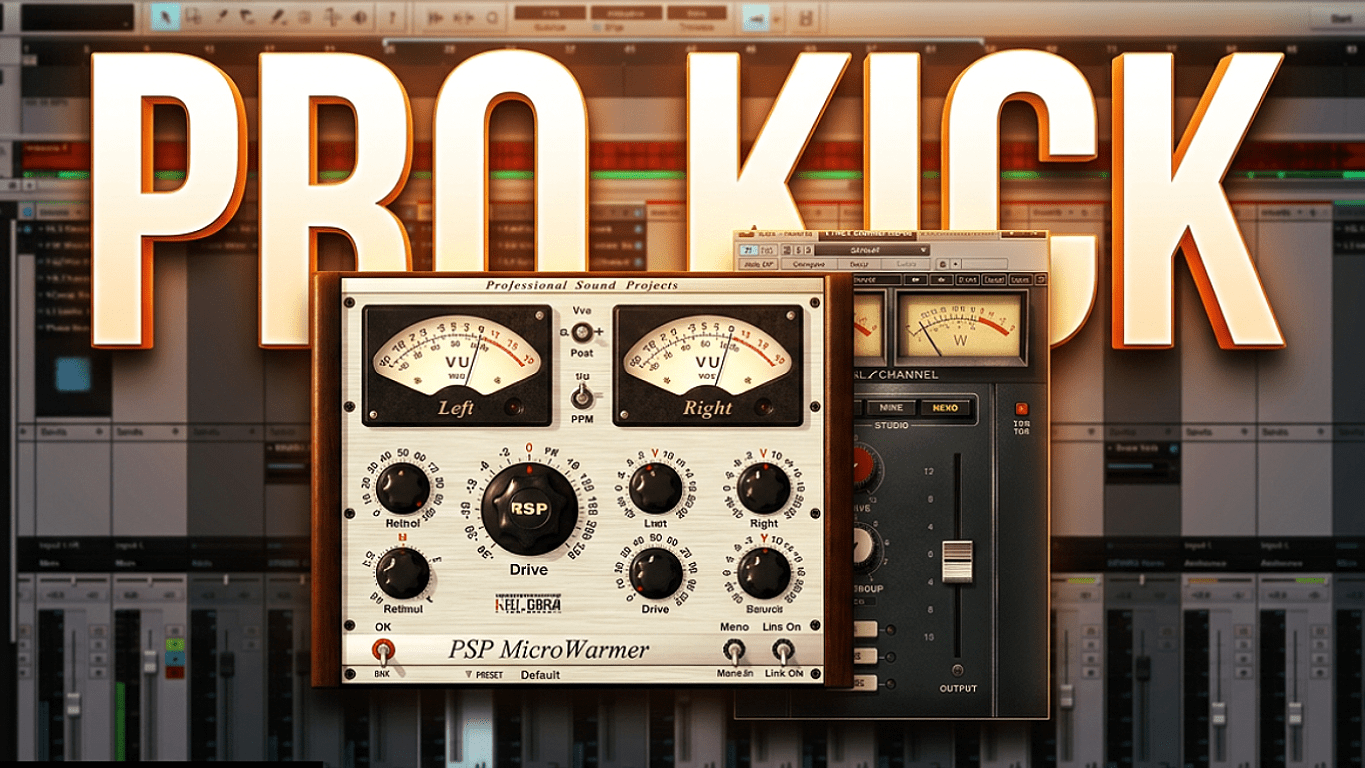
Getting a clean, punchy kick drum in a home studio can feel impossible, especially when working in an untreated room. If your low end sounds boomy, weak, or disappears on smaller speakers, the issue usually comes down to two foundational tools: EQ and compression.
💡Tip: Press the CC button to turn on the subtitles.
You do not need expensive analog gear or third-party suites.
With intentional frequency carving and dynamic control, you can achieve a professional low-end sound using standard stock plugins in any DAW.
Always listen critically first and only process if it solves a real problem. Below, I have laid out the most essential settings and guidelines to help point you in the right direction.
Kick Drum EQ Settings & Best Frequencies
EQ shapes tone, removes unnecessary resonances, and makes room for the rest of your mix. Start with these frequency zones:
- 20 – 30 Hz (Sub Rumble): Apply a high-pass filter with a steep slope to cut subsonic frequencies you cannot hear. This frees up massive headroom and tightens the low end.
- 50 – 80 Hz (Body & Weight): This is the fundamental frequency of most kicks. Add a subtle boost with a medium bandwidth if your kick lacks low-end presence.
- 200 – 400 Hz (Boxiness & Mud): The most common problem area in home recordings. Apply a wide cut of 2 to 4 dB to eliminate the cardboard-like tone and clear up low-mid mud.
- 2 – 5 kHz (Beater Click): Boost here to enhance the attack transient. This bite is what allows your kick to translate clearly on smartphones, laptops, and small earbuds.
How to Compress a Kick Drum
Compression glues the drum hits together, controls dynamic variations, and emphasizes snap:
- Attack (20 – 40 ms): Use a medium to slow attack. A fast attack crushes the transient click, while a slower attack lets the initial punch through before controlling the tail.
- Release (50 – 100 ms or Synced): Set the release fast enough so the compressor recovers before the next drum hit arrives. If the release is too slow, the drum will sound choked.
- Ratio & Gain Reduction: Stick to a 3:1 or 4:1 ratio. Aim for roughly 3 – 5 dB of gain reduction on the hardest hits to maintain punch without flattening dynamics.
Fixing the Kick and Bass Clash
Low-end clarity requires the kick and bass to share space rather than fight for it:
- Frequency Pocketing: If your kick dominates the 55 Hz region, cut a narrow dip at 55 Hz on your sub-bass, and let the bass take over the 80 – 100 Hz octave.
- Sidechain Compression: Route your kick to a sidechain compressor on the bass track, ducking the bass by 2 – 3 dB momentarily every time the kick triggers.
Always make your final EQ and compression adjustments with the entire track playing rather than in solo. This ensures your kick drum punches through the full arrangement on any sound system.