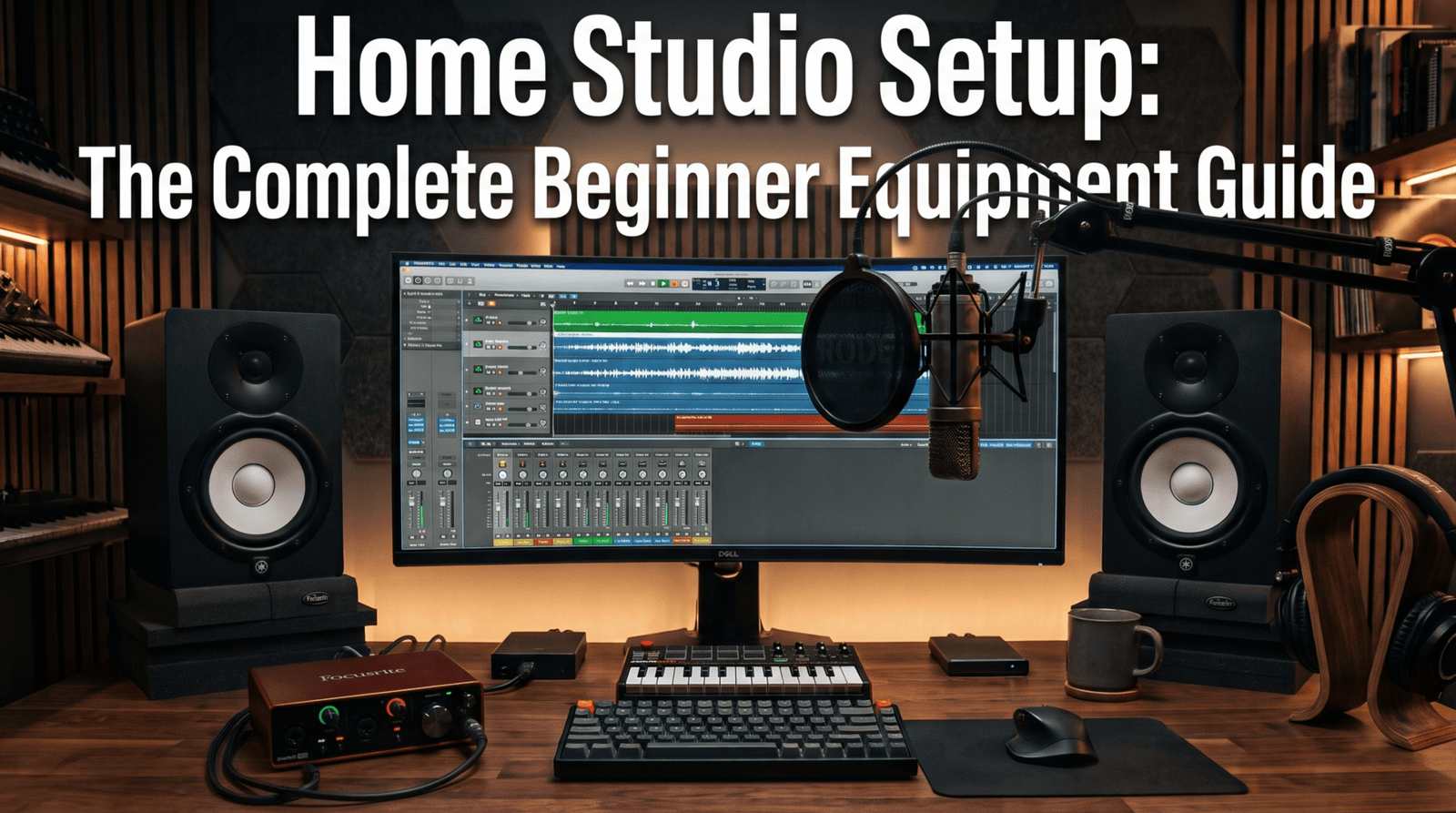
A home studio setup needs five core pieces: a computer with a DAW, an audio interface, a microphone, headphones or studio monitors, and the cables and stands that connect them.
Add basic acoustic treatment to the room, and you have everything you need to record, produce and mix music at home.
Building a dedicated home studio no longer requires thousands of dollars in commercial hardware or an acoustically built room.
With modern audio technology, a high-performance home recording studio capable of tracking, producing and mixing radio-ready music straight from your bedroom is entirely within reach.
However, walking into the world of music production gear can easily lead to information overload.
Whether you piece together your gear individually or invest in a bundled home recording studio kit, focusing on the essential core setup is what guarantees clean audio quality and an efficient workflow.
Essential Home Studio Equipment: What You Need
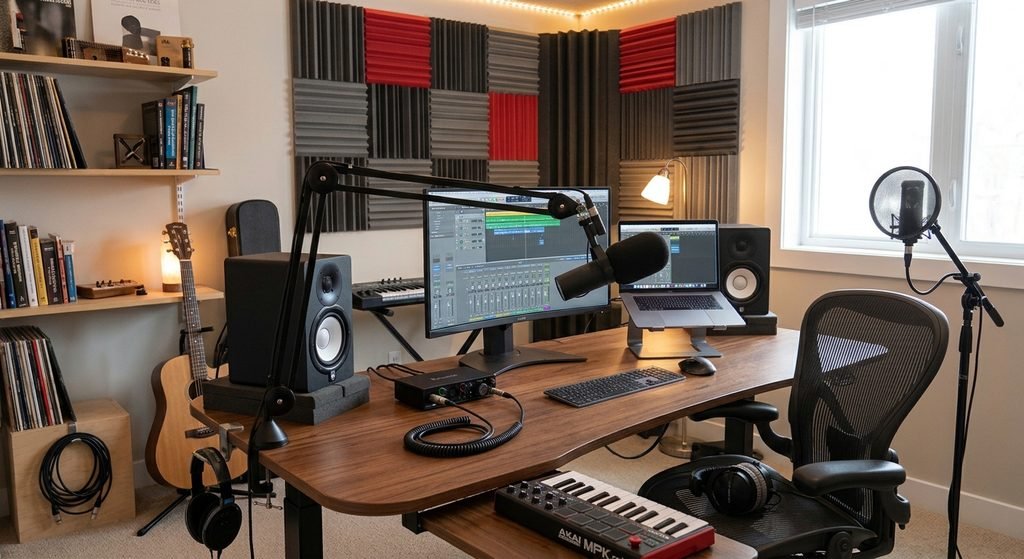
These are the pieces of home studio equipment every setup is built around:
- Computer and DAW: the hub where every recording, edit and mix happens.
- Audio interface: turns microphone and instrument signals into data your computer can record, then plays the result back.
- Microphone: captures vocals, acoustic instruments and amps.
- Headphones and studio monitors: let you hear your recordings accurately while tracking and mixing.
- Cables, stands and a pop filter: the small parts that keep every session clean and reliable.
Everything else, from MIDI keyboards to outboard gear, is an upgrade you can add later.
How to Set Up a Home Recording Studio: Step-by-Step
Step 1: Choose and Prepare Your Room
The room shapes your sound as much as any piece of recording equipment for music. Pick the quietest room you have, away from street noise, loud appliances and shared walls where possible.
Face the length of the room rather than its width, with your desk against one of the shorter walls, because low frequencies tend to behave more evenly that way.
Also avoid sitting dead center or tucked into a corner, since both spots make room resonances worse.
Avoid rooms dominated by hard, reflective surfaces. Carpets, curtains, a sofa or a full bookshelf already tame some reflections before you add any treatment.
Step 2: The Central Computer & DAW
Your computer runs your entire home studio setup. Prioritize system stability and processing headroom so your creative sessions remain glitch-free:
- Hardware specs: Choose a machine with at least 16 GB of RAM, a modern multi-core processor (Intel i5/i7, AMD Ryzen or Apple M-series) and an internal SSD for rapid sample and project loading.
- Digital Audio Workstation (DAW): Pick a software platform that matches your creative goals, such as FL Studio or Ableton Live for beatmaking and electronic production, or Cubase, Logic Pro and Reaper for audio recording and mixing.
Listen to your computer, too. Fan noise travels straight into a sensitive microphone, so in the room where you record, a quiet machine is worth more than a little extra speed.
Before you buy a DAW, use the free trials most developers offer to try a few.
Step 3: The Audio Interface
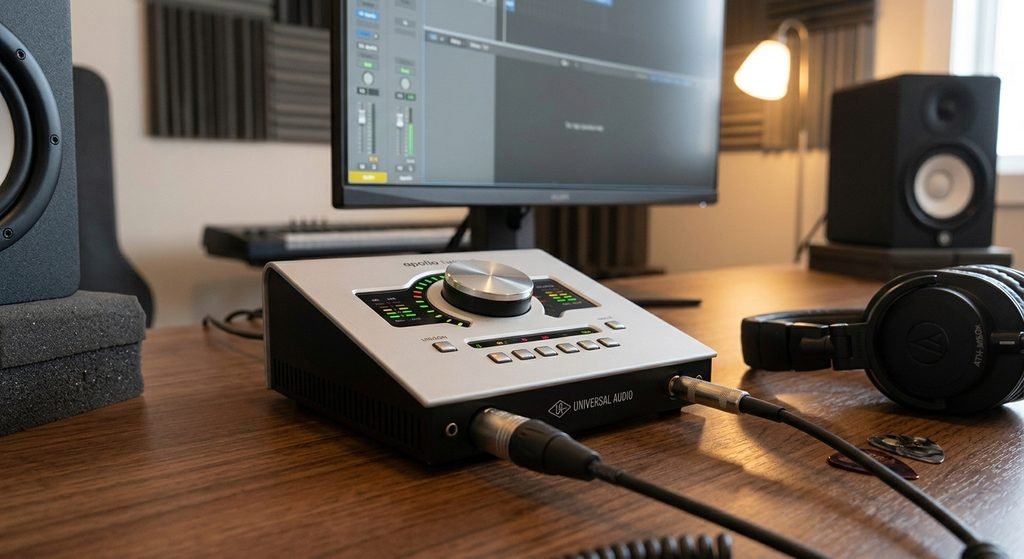
An audio interface is the bridge in every home recording studio. It converts your analog mic and instrument signals into pristine digital audio and sends the result back to your headphones and monitors:
- I/O capacity: A standard 2-in/2-out USB interface is the benchmark for solo creators and bedroom artists.
- Features: Make sure it includes low-noise microphone preamps, direct monitoring for zero-latency tracking and dedicated 48V phantom power for condenser microphones.
Upgrade your interface when you run out of inputs, not because of a spec sheet. Two or more mic preamps let you track a singer with a guitar, or several players at once.
Step 4: Studio Microphones & Monitoring Headphones
Accurate audio capture and reference monitoring are crucial pieces of home studio equipment:
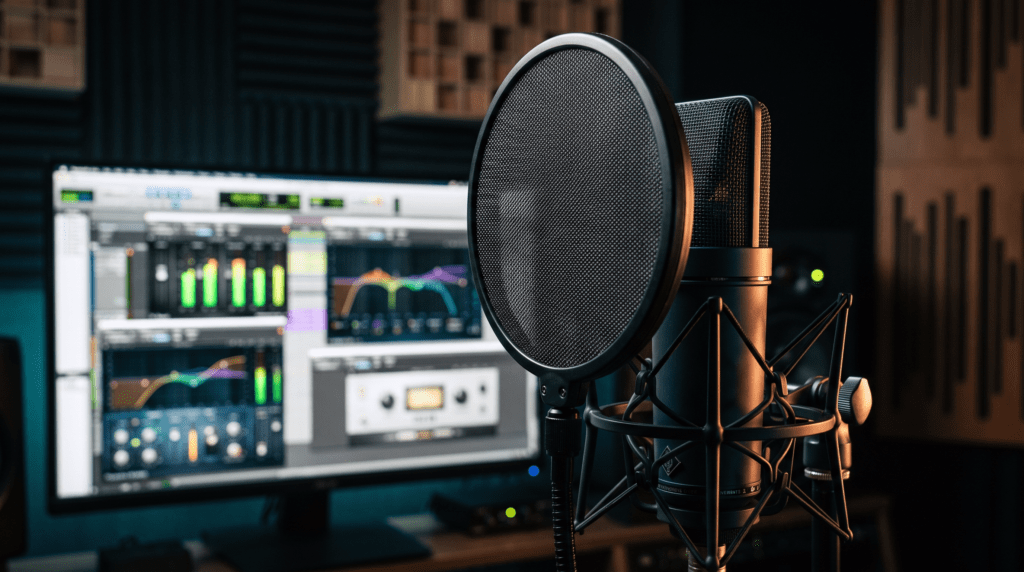
- Microphone choice: A large-diaphragm condenser mic provides detailed vocal capture. If your room has excessive background noise or lacks acoustic treatment, a dynamic microphone will reject room reflections far more effectively.
- Closed-back headphones: Required for tracking vocals and live instruments without click-track bleed spilling into the microphone.
- Open-back headphones: The best option for mixing, providing a wide soundstage and a transparent frequency response.
Match the mic to the room, not to the price tag.
A condenser hears every echo of a bare room, while a dynamic mic focuses on what’s right in front of it, which makes it the safer first choice for an untreated space.
Step 5: Studio Monitors and Acoustic Placement
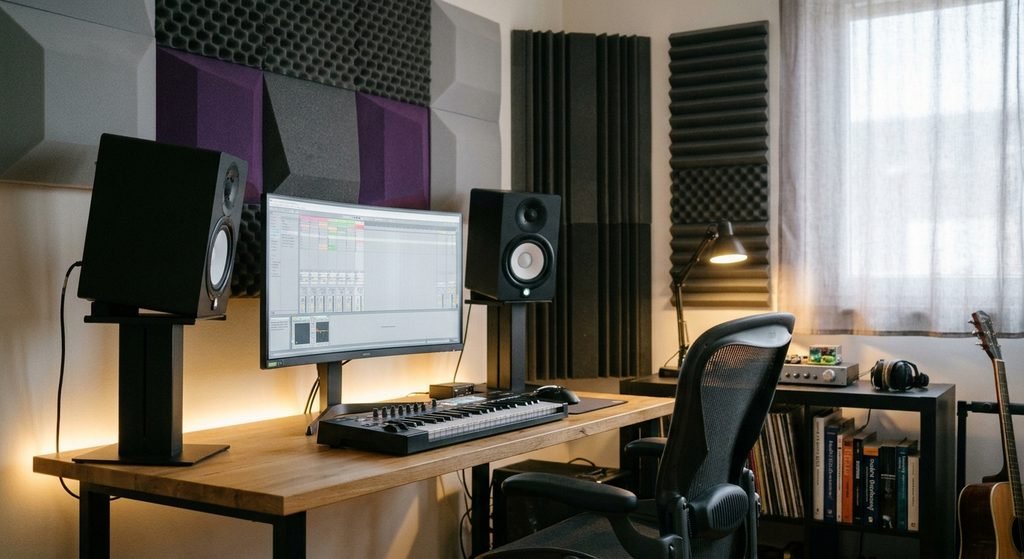
Nearfield studio monitors provide an accurate physical soundstage that headphones cannot fully replicate:
- Woofer size: 5-inch to 6.5-inch active studio monitors are ideal for small to medium rooms. Avoid oversized 8-inch cones in untreated spaces, as they create unmanageable low-frequency buildup.
- Positioning: Form an equilateral triangle between your listening position and the monitors, with the tweeters pointing directly at ear level.
Keep the setup symmetrical, with each speaker the same distance from its nearest side wall, and leave a little space between the desk and the wall behind it if the room allows.
Step 6: Essential Cables, Stands and Accessories
Every complete home recording studio kit needs clean utility hardware to keep sessions running smoothly:
- Pop filter: Eliminates plosive air blasts (“P” and “B” sounds) on vocal takes.
- Balanced cables: Use balanced XLR and 1/4″ TRS cables to prevent electrical hum and ground noise between your interface and studio monitors.
- Stands and isolation: Mount your mic on an adjustable boom arm and place your monitors on dense isolation pads to stop desk vibrations from muddying your low end.
Two small extras pay off quickly: a shock mount that stops desk and floor bumps from reaching a condenser mic, and labels on both ends of each cable so you can trace any connection at a glance.
Step 7: Connect Everything and Set Your Levels
Start at the computer: connect the interface over USB, install the manufacturer’s driver and choose the interface as your audio device inside the DAW.
Next, run an XLR cable from the mic to an input and turn on 48V only when the mic is a condenser. Headphones go into the interface’s headphone jack, while the monitors connect to its line outputs.
In the DAW’s audio settings, pick your sample rate and a small buffer size for tracking, so what you play reaches your ears without a noticeable delay. Raise the buffer again for mixing, when big sessions need the extra processing time.
Set the input gain while the performer sings or plays at full intensity, aiming for strong peaks that never touch the red. A clipped take is ruined for good, while a slightly quiet one can simply be turned up later.
Acoustic Treatment vs Soundproofing
Acoustic treatment and soundproofing solve two different problems, and mixing them up is one of the most expensive home studio mistakes.
Soundproofing is about isolation: keeping your noise in and the neighbors’ noise out. That takes mass, airtight seals and serious construction work, so it rarely fits a rented apartment or a modest budget.
Acoustic treatment is about the sound you hear inside the room. It tames echoes and boomy bass, which makes your recordings cleaner and your mixing decisions more reliable.
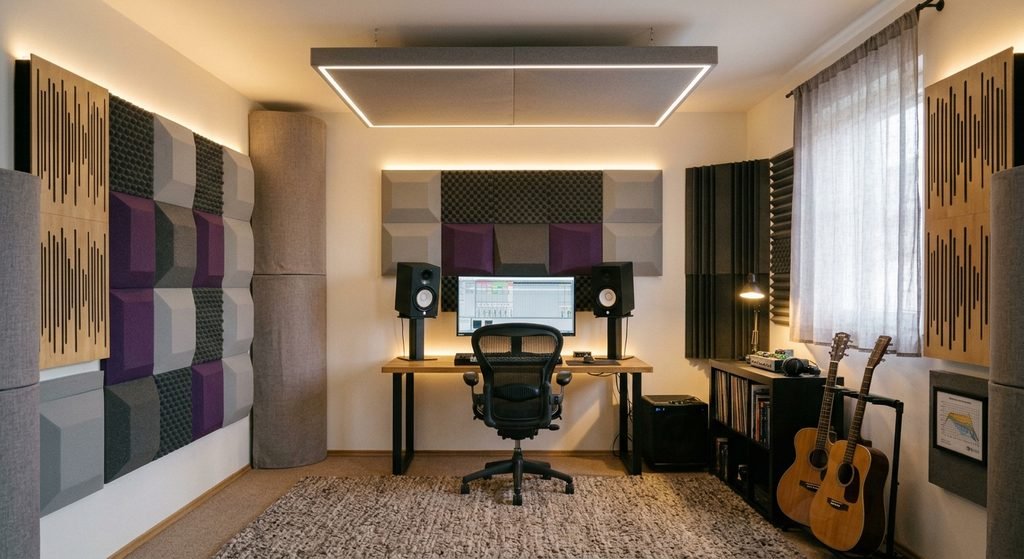
For most home studios, treatment brings the bigger improvement for the money. Start with these three:
Absorption panels where the first reflections land. Sit in your mixing position and have a friend slide a mirror along the side walls and ceiling. Wherever you can see a monitor in the mirror, a panel belongs there.
Bass traps in the room’s corners. Corners are where bass collects, so thick absorbers there are the most effective way to tighten the low end.
Diffusion on the rear wall. If the room is big enough, a diffuser behind you breaks up reflections without soaking up so much energy that the space feels lifeless.
Not sure where you stand? Clap once in the middle of the room. If the clap rings or flutters, reflections are the first problem to solve, before any new gear.
Soundproof Booths and Recording Booths for Home
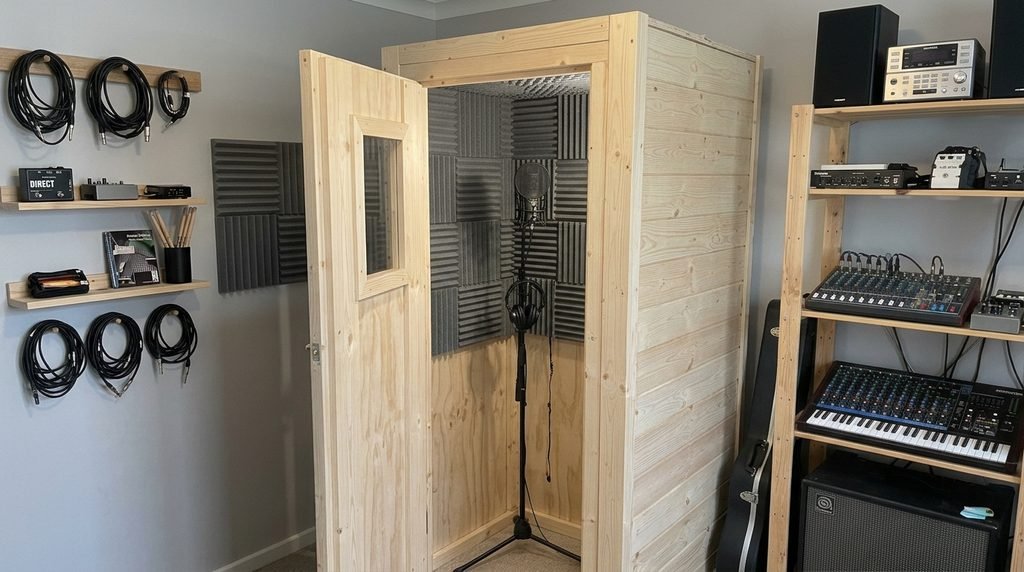
A soundproof booth for home is a self-contained enclosure that blocks outside noise and room reflections while you record vocals or instruments.
Prefabricated modular booths go together without any building work and come in many sizes. Single-wall models suit reasonably quiet homes, while double-wall versions are meant for louder, shared environments. Budget several thousand dollars for a commercial booth.
Building your own recording booth for home saves money on materials, but it’s real construction: a frame, insulation, wall panels, airtight seals and a way to get fresh air inside without letting noise in.
Lightweight portable booths and wardrobes rarely deliver what they promise. Light materials can’t block much sound, and a tiny hard-walled space colors the voice with a hollow, boxy tone.
If a booth isn’t in the budget yet, combine a reflection filter behind the mic, a dynamic microphone and a few absorption panels around your recording position. It’s a practical, low-cost way to get cleaner vocal takes.
Home Recording Studio Kit vs Buying Gear Individually
A home recording studio kit bundles the basics, usually an audio interface, a microphone, headphones and a cable, in one box.
Kits are the fastest way to start. Every piece is chosen to work together, so you skip the compatibility guesswork.
Buying gear individually takes more research but lets you spend where your room needs it most, such as a dynamic mic for a noisy space or a few acoustic panels. You can also skip parts you already own, like headphones.
A practical rule: start with a kit if you’re a complete beginner, and build piece by piece once you know which part of your home studio setup needs the upgrade.
Upgrade Path: What to Add to Your Home Music Studio Next
Grow the studio in response to real limits, not shopping lists. Room treatment usually gives the biggest jump in quality, followed by better monitors. Extra microphones and a bigger interface make sense once your projects actually demand them.
For producers working with virtual instruments, a MIDI keyboard speeds everything up. Mid-size keyboards with around 49 keys are a good compromise for a small desk, and pad controllers are built for programming drums.
As your project library grows, keep it in two places: a fast external drive for daily work and a cloud service as a safety net.
Finally, plug your gear into a surge protector. It’s cheap insurance against a power spike damaging your interface or monitors.
Common Home Studio Setup Mistakes
Most home studio frustration comes from a few repeat mistakes, not from the gear itself:
- Upgrading the mic while the room stays bare. A more sensitive microphone only captures the room’s problems in greater detail.
- Picking monitors for the shop, not the room. Big woofers sound impressive in a showroom but flood a small, untreated space with bass.
- Buying a faster computer to fix delay. Monitoring latency usually disappears with a smaller buffer or the interface’s direct monitoring switch.
Frequently Asked Questions
Do I need an audio interface, or can I use a USB mic?
A USB mic plugs straight into your computer and works well for one voice at a time. An interface takes a little more setup, but it accepts XLR microphones and instruments, records more than one source and leaves room to grow.
Do I need a soundproof booth to record at home?
No. Good acoustic treatment, the right microphone for your room and careful mic placement get you clean recordings without a booth. A booth becomes worth it when outside noise is constant or you can’t make noise yourself.
Can you record professional-quality music in a bedroom?
Yes. Billie Eilish’s When We All Fall Asleep, Where Do We Go? was recorded at home, to name one acclaimed example. The result depends on how you handle reflections, which mic you choose and how carefully you set levels, not on the size of the room.
Final Thoughts on Your Home Studio Setup
Setting up your home studio is an iterative process. You don’t need top-of-the-line gear to make incredible music: master the tools you have, optimize your room layout and let your ears guide your creative decisions.
Once your foundation is solid, your music will naturally translate across every sound system.